release notes
MASH 2.0 for Mac is available now!

MASH 2.0 for Mac is out now. Open the Mac App Store, update (or install), and you're playing the native rewrite we talked about earlier this week. Full product details live on the MASH for Mac page.
How to get the update
If MASH is already on your Mac, the App Store should list 2.0 under Updates. It's a free update. If you've never installed it and want to relive your childhood or you're a new fan, get MASH for just $4.99 from the Mac App Store.

What changed in 2.0
The old Mac version of MASH ran on web tech inside an app shell - built with HaxeNME, cross-compiled to JavaScript, with an Objective-C bridge in a native wrapper. It was unnecesarily complex and maybe a little slow. 2.0 throws that out and is written as a real, native Mac app with SwiftUI. Drag the window larger or smaller; Scott McMahon's hand-drawn art stays sharp. Settings let you choose two to six (!) answers per question, and which name suggestion lists you see. You can even put a passcode on Saved Stories if you share the Mac with someone and want to keep your stories safe.
Playing on a Mac
Pick Short, Medium, Long, or a Custom game from the full set of 21 categories. Categories cover the usual chaos: college, job, spouse's car, pet name, wedding colors, salary, ways to die. The dice fills a blank when you're stuck. You can search the suggestion list for that category too.
Draw the spiral yourself with the trackpad or mouse, or let the app draw one. Sit through the gel-pen strikes, or jump to the ending. When the story lands, save it, share it as an illustrated card, or have it read aloud. Keyboard shortcuts: Command-N for a new game, Command-S to save, Command-L for your library.
Other ways to play
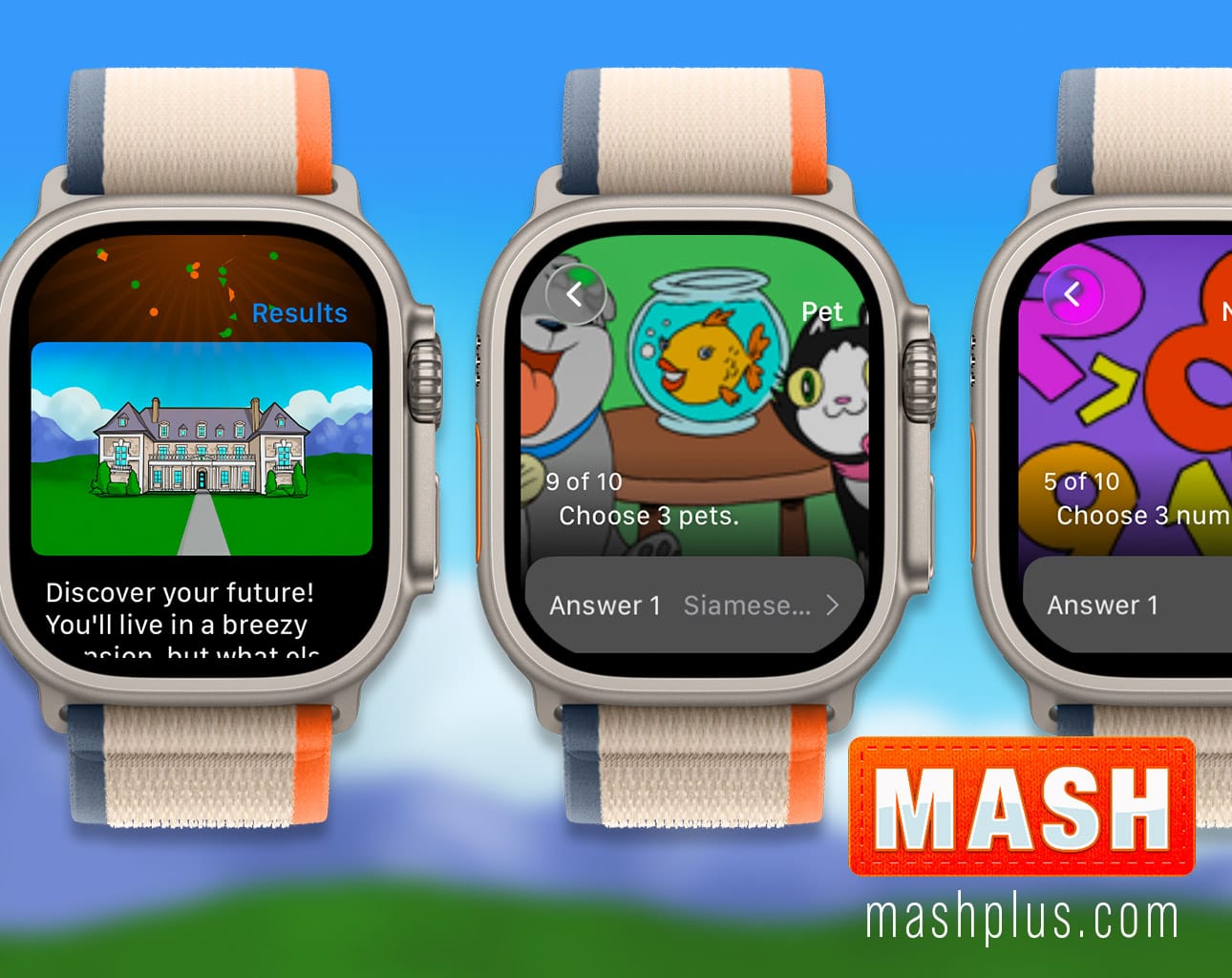
Prefer a phone? MASH is on iPhone and iPad and Apple Watch. No install needed? Play free in the browser. Everything else we make is on the apps page.
Artwork by cartoonist Scott McMahon.